

The Real Purpose of Remote Tools
Most beginners assume tools are about productivity.
In reality, they’re about trust.
Remote companies use tools to answer three questions:
Can this person work independently?
Can they communicate clearly without being micromanaged?
Can they integrate into an existing system without slowing the team down?
You don’t need mastery of everything.
You need functional fluency in the right things.

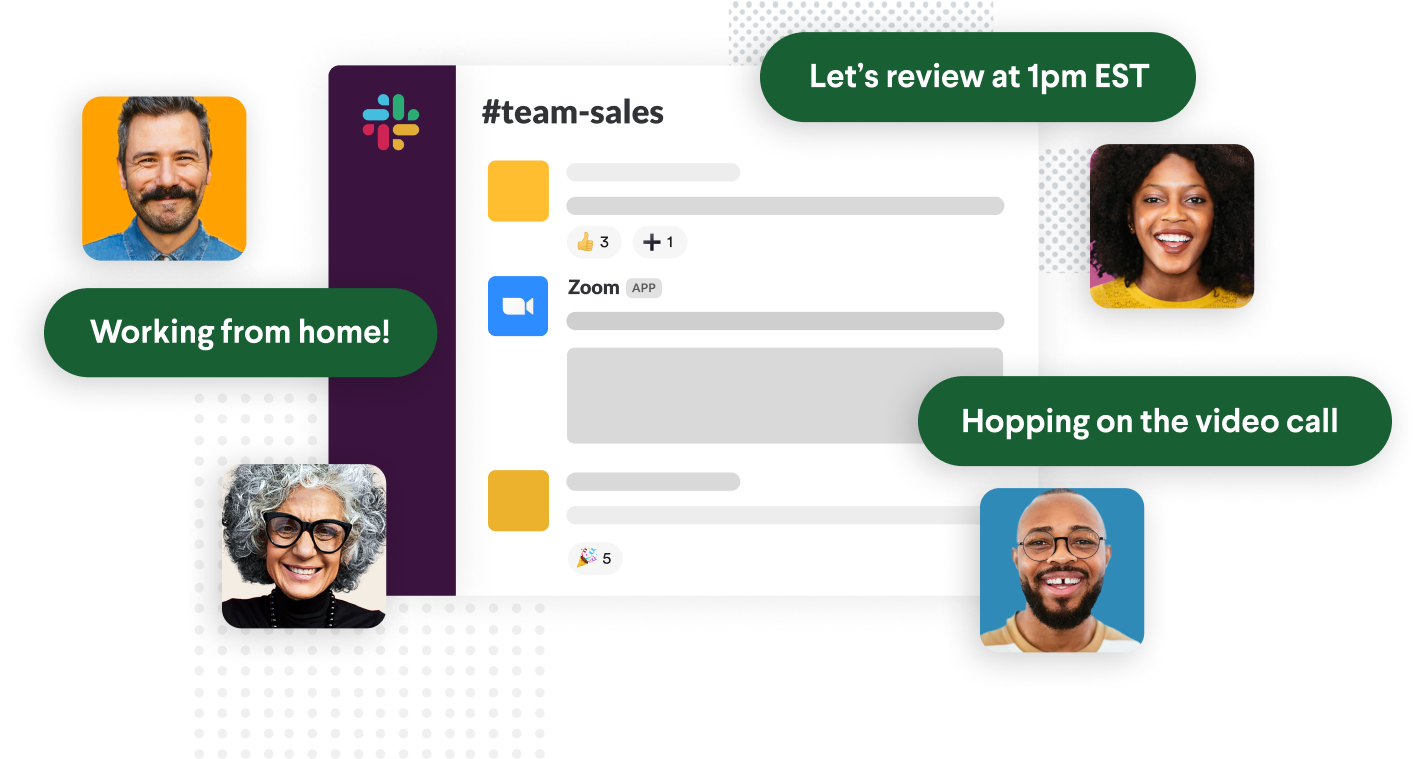
Communication Tools
How remote teams stay aligned without chaos
Common tools you’ll see
Slack
Zoom
Google Meet
Microsoft Teams
What actually matters
Writing clearly and concisely
Knowing when not to interrupt
Being comfortable with async communication
Remote work favors people who:
Ask good questions
Provide context
Don’t need constant clarification
👉 Employers don’t care if you love Slack. They care if you reduce noise instead of creating it.
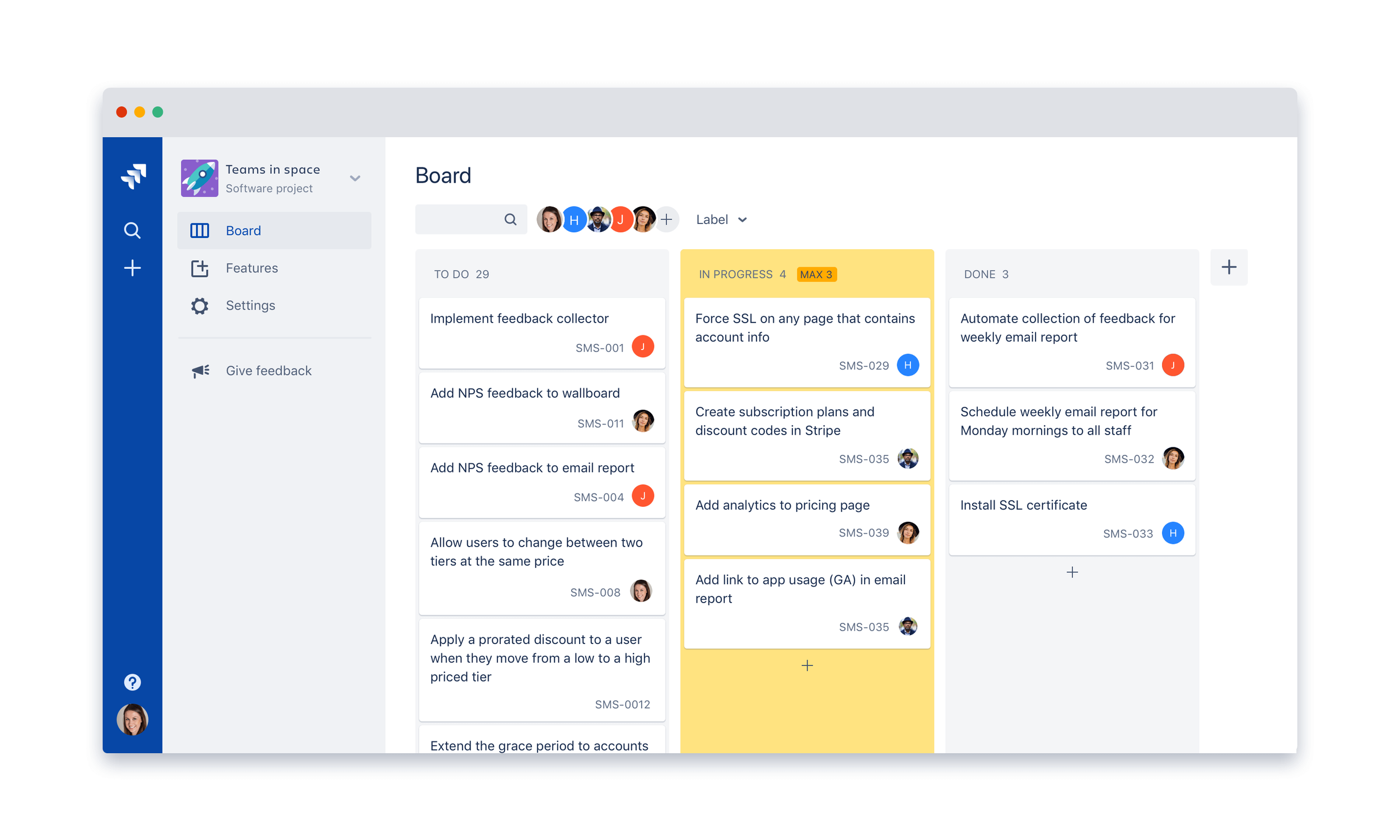
Project & Task Management
How work actually moves forward
Common tools you’ll see
Jira
Trello
ClickUp
Asana
What actually matters
Understanding tickets, not just tasks
Knowing what “blocked,” “in review,” and “done” actually mean
Being able to work without someone standing over you
Remote teams run on visibility, not supervision.
If your work is clear and trackable, you earn autonomy fast.
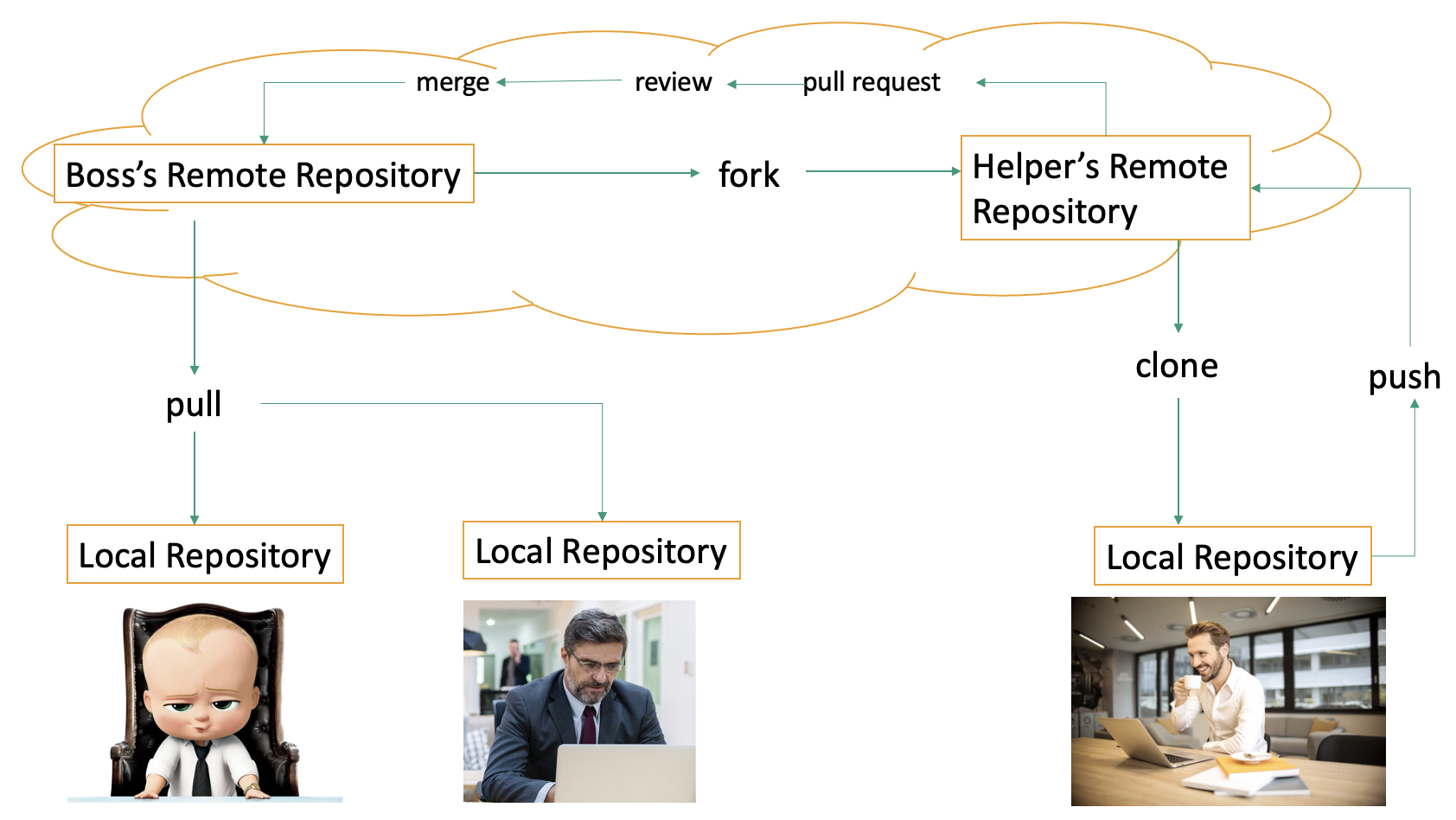
Version Control & Collaboration
How remote teams avoid stepping on each other
Common tools you’ll see
GitHub
GitLab
Bitbucket
What actually matters
Clear commit messages
Respecting existing workflows
Knowing how to collaborate without breaking things
You don’t need to be a Git wizard.
You do need to show that you can work safely inside a shared system.
This is one of the strongest credibility signals for remote technical roles.
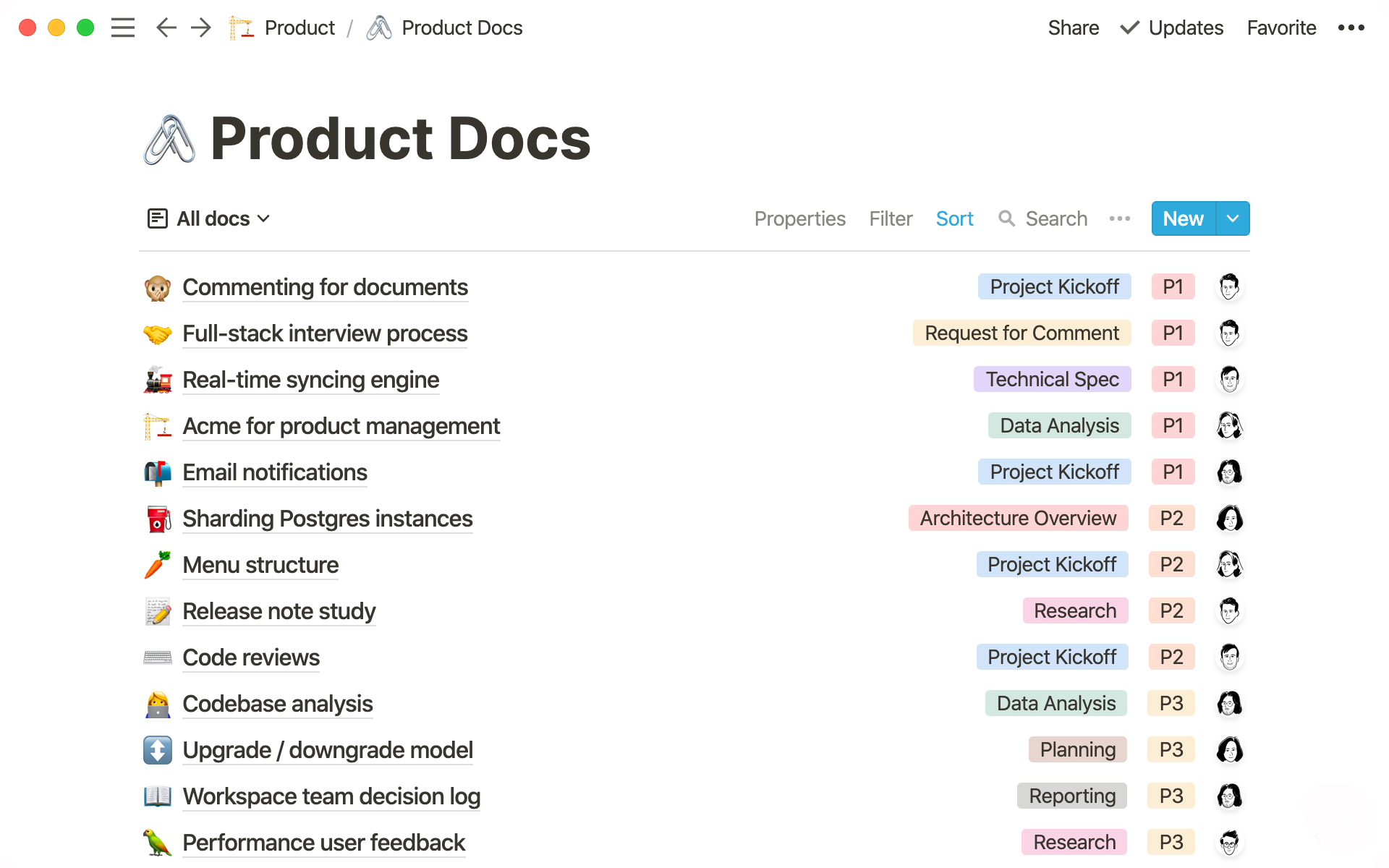
Documentation & Knowledge Sharing
How remote teams scale without meetings
Common tools you’ll see
Notion
Confluence
Google Docs
What actually matters
Writing things down so others don’t get blocked
Updating documentation when things change
Thinking beyond yourself
Remote teams reward people who leave the campsite better than they found it.

AI Tools (Used Properly)
Acceleration, not replacement
Common tools you’ll see
Microsoft Copilot
GitHub Copilot
Claude
What actually matters
Using AI to think better, not avoid thinking
Understanding what the output means
Knowing when not to trust it
Remote teams value people who can leverage tools responsibly, not hide behind them.

Your Setup Matters Less Than You Think
You don’t need:
A $5,000 desk
A perfect productivity system
Every tool installed
You do need:
A stable internet connection
A quiet, reliable workspace
A system that lets you show up consistently
Remote work rewards reliability, not aesthetics.
What Employers Are Actually Looking For
Across industries, remote hiring managers consistently look for:
Clear written communication
Comfort working asynchronously
Evidence you can self-manage
Familiarity with standard tools (not mastery)
This is why tools alone don’t get people hired - applied experience does.
Where Deeper Mastery Fits
This page is meant to give you clarity, not turn into a manual.
Inside the Remote Coding Membership, these tools are taught:
In context
Through real workflows
As part of actual remote systems—not isolated tutorials
That’s the difference between “knowing the tool” and being trusted remotely.
Bottom line
Remote work tools aren’t about being impressive.
They’re about being dependable.
If you can:
Communicate clearly
Work without supervision
Fit into existing systems
You’re already ahead of most applicants.
And that’s the real advantage.

Where to Go Next
Depending on where you are right now:
Learn Remote Skills - if you’re still building foundations
Remote Coding - if you want a stable, scalable remote path
Remote Career Paths - if you’re still deciding what fits
